



01 · Displays
Multi-display workflow
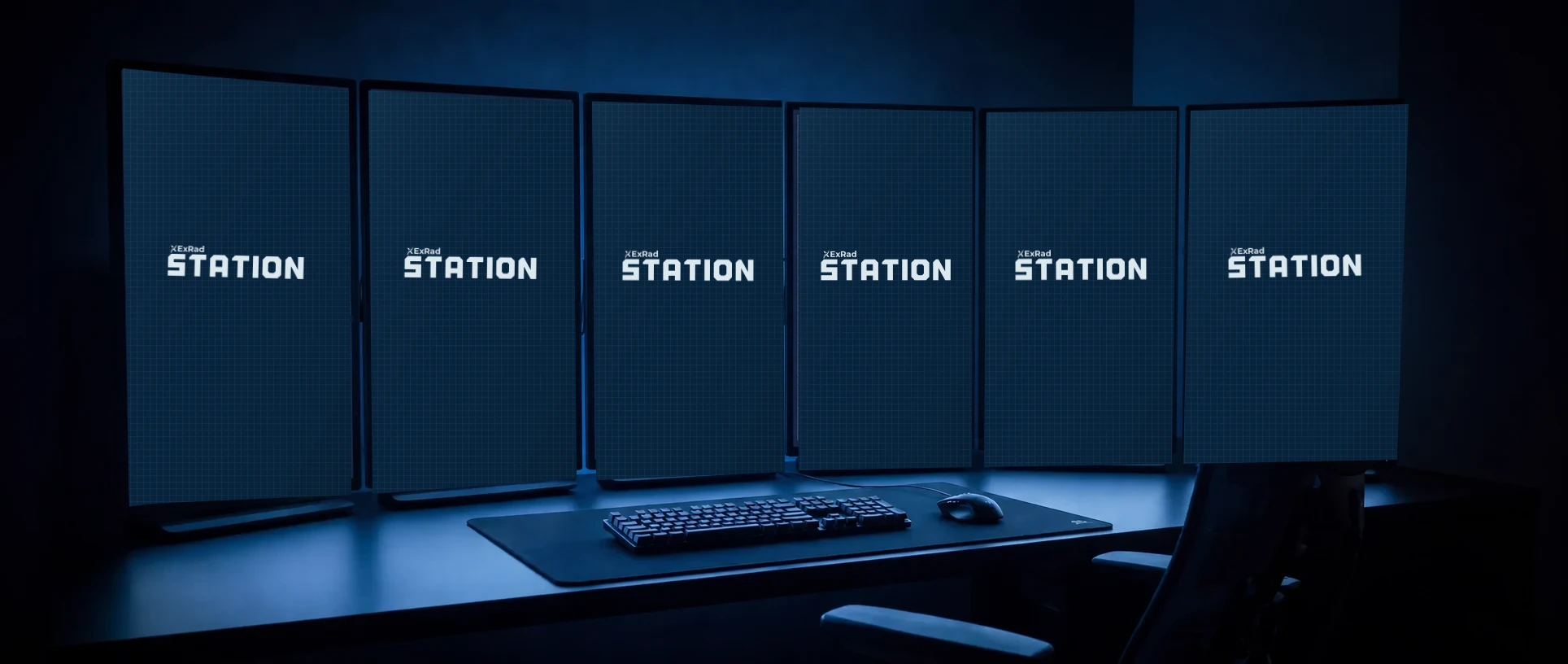
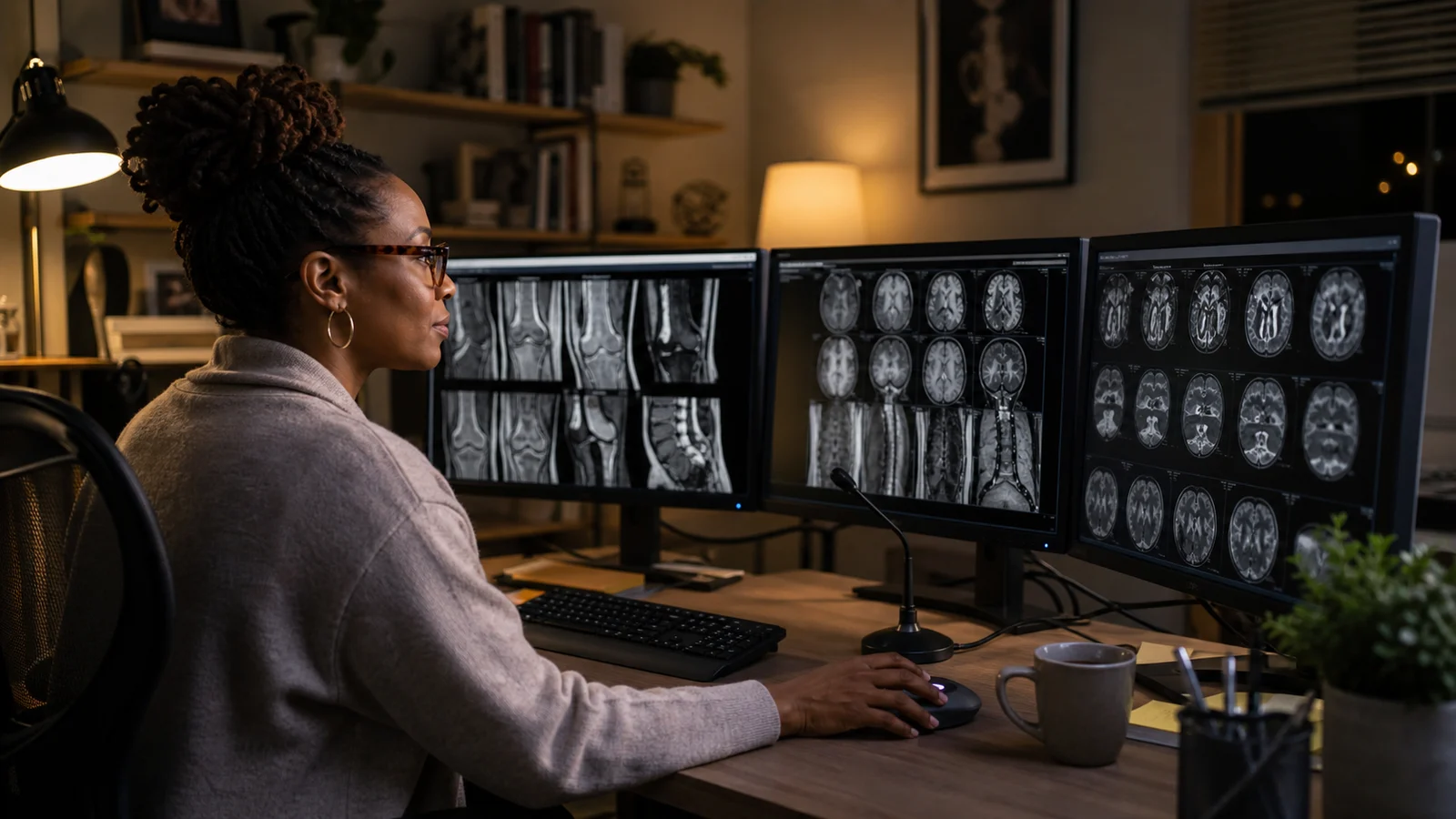
The diagnostic images, worklist, report, and communications can remain visible at the same time. The exact configuration is confirmed around the reader and the room rather than fixed in the product name.
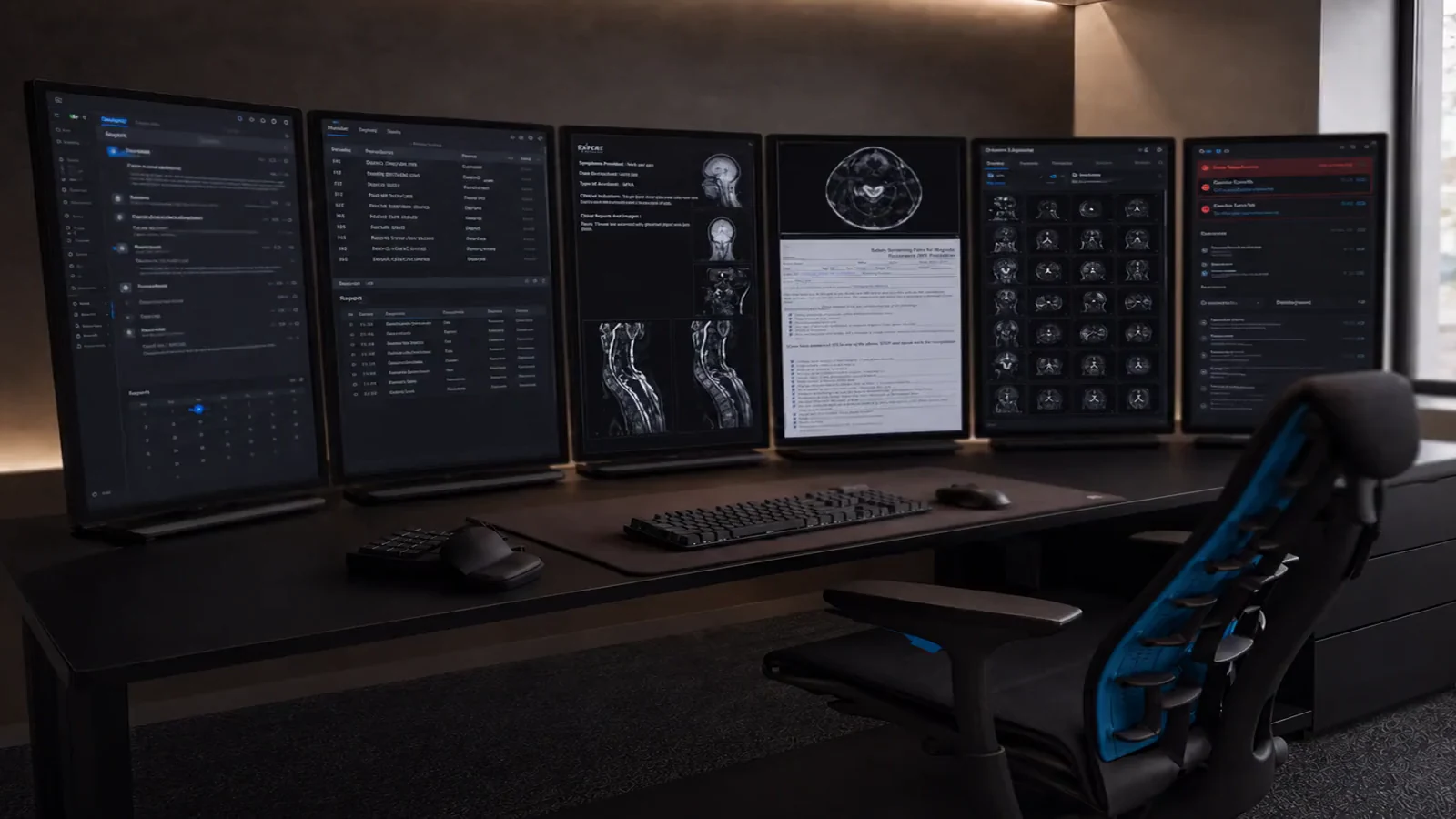

Designed by radiologists around the reading workflow. The workstation hardware, selected peripherals, and configuration ship to your door, then our team completes remote setup with you.
Scroll to start one full rotation. After that, drag in either direction to keep exploring the complete setup.
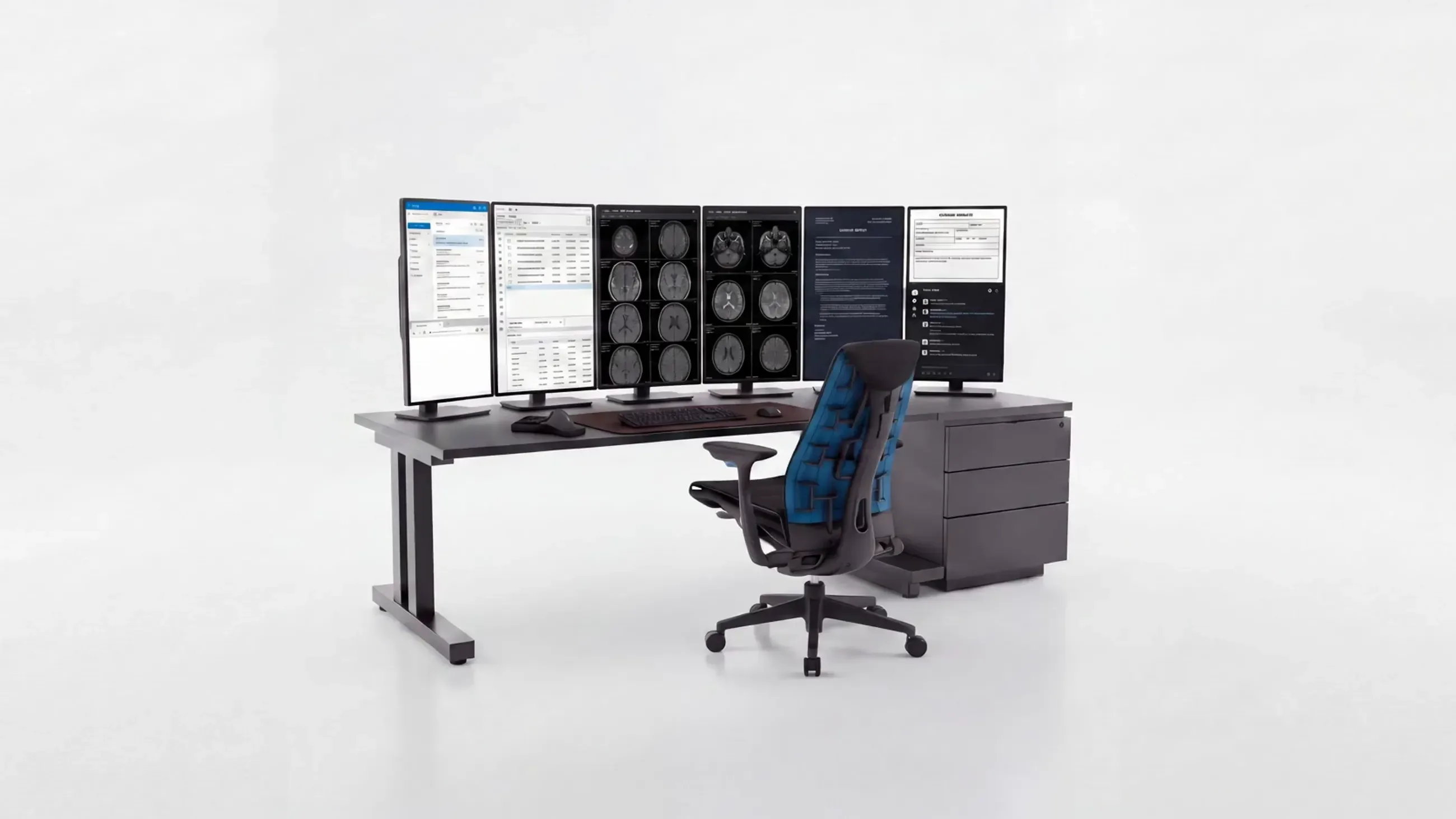
Desk and chair shown for context. The ExRad Station shipment covers the workstation hardware and selected peripherals.
Choose a point to see what it is and why it is there.
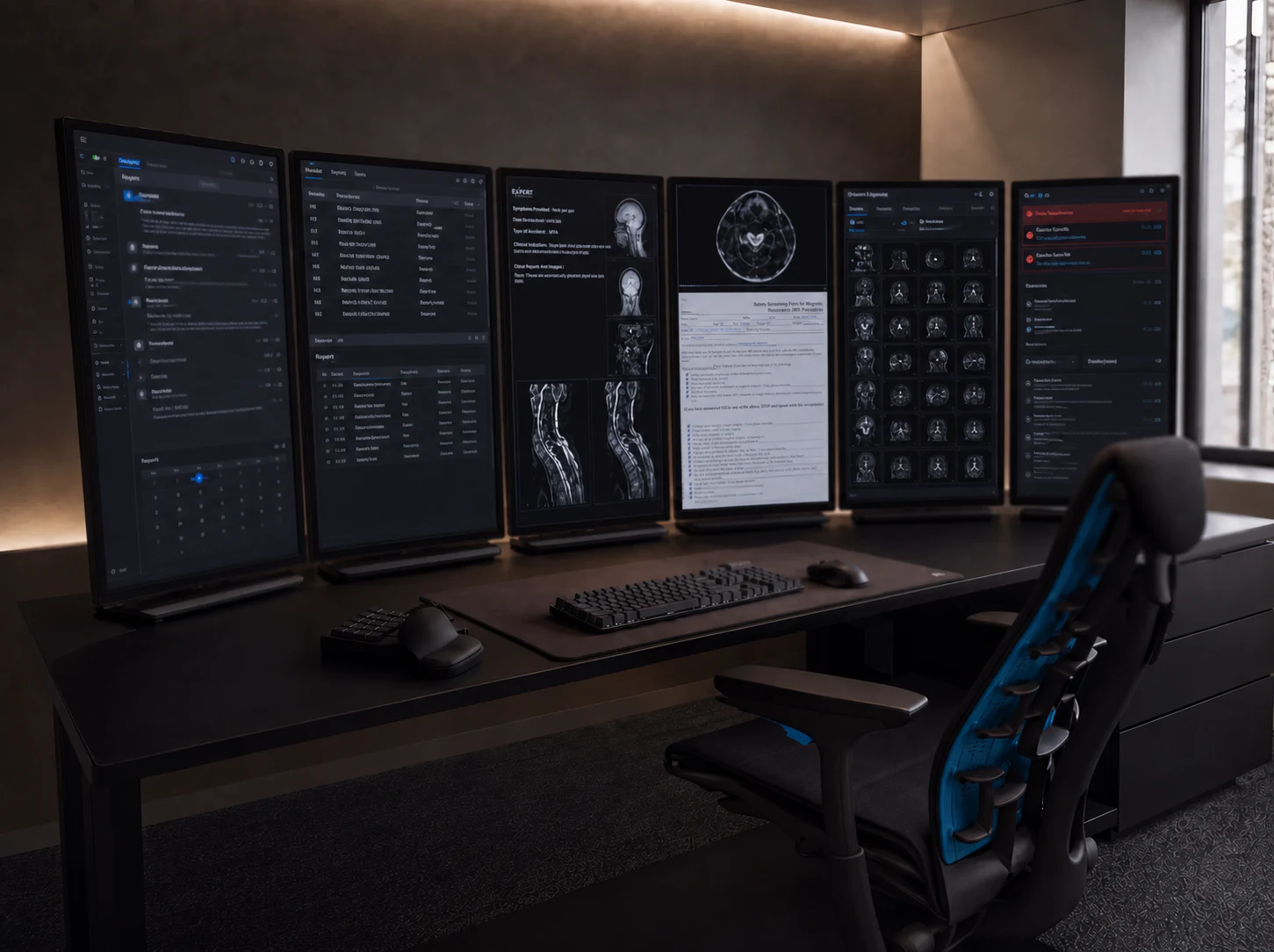
The diagnostic images, worklist, report, and communications can remain visible at the same time. The exact configuration is confirmed around the reader and the room rather than fixed in the product name.
Selected for a stable, comfortable typing position during long reading sessions, without adding unnecessary controls to the work surface.
A responsive pointer reduces the small corrections and repeated movements that create friction around image review and reporting.
A programmable keypad keeps frequently used commands close at hand. Its shortcuts and macros can be adapted to the reader’s workflow.
Processor, GPU, and memory are selected for demanding imaging workflows rather than for a general office desktop.
The microphone, voice-recognition workflow, PACS, and ExRad Portal are configured together, then completed with you during remote setup.
The layout, hanging protocols, and reporting templates come from radiologists who use the workflow every day. Hardware is only half of the system.
PACS, dictation, the ExRad Portal, and workflow settings are prepared before shipment. We then complete the remote setup with you until the displays are reading correctly and you are signed in.
PACS, dictation, portal
Remote setup with our team
Through sign-in and beyond
The exact configuration can vary. This workflow keeps email, calendar, and web on one; the report and worklist on two; images and records across three and four; the patient explorer on five; and urgent findings with communications on six.
Everything outside the read stays visible without taking over a diagnostic display.
The live queue and active report share the same workflow display.
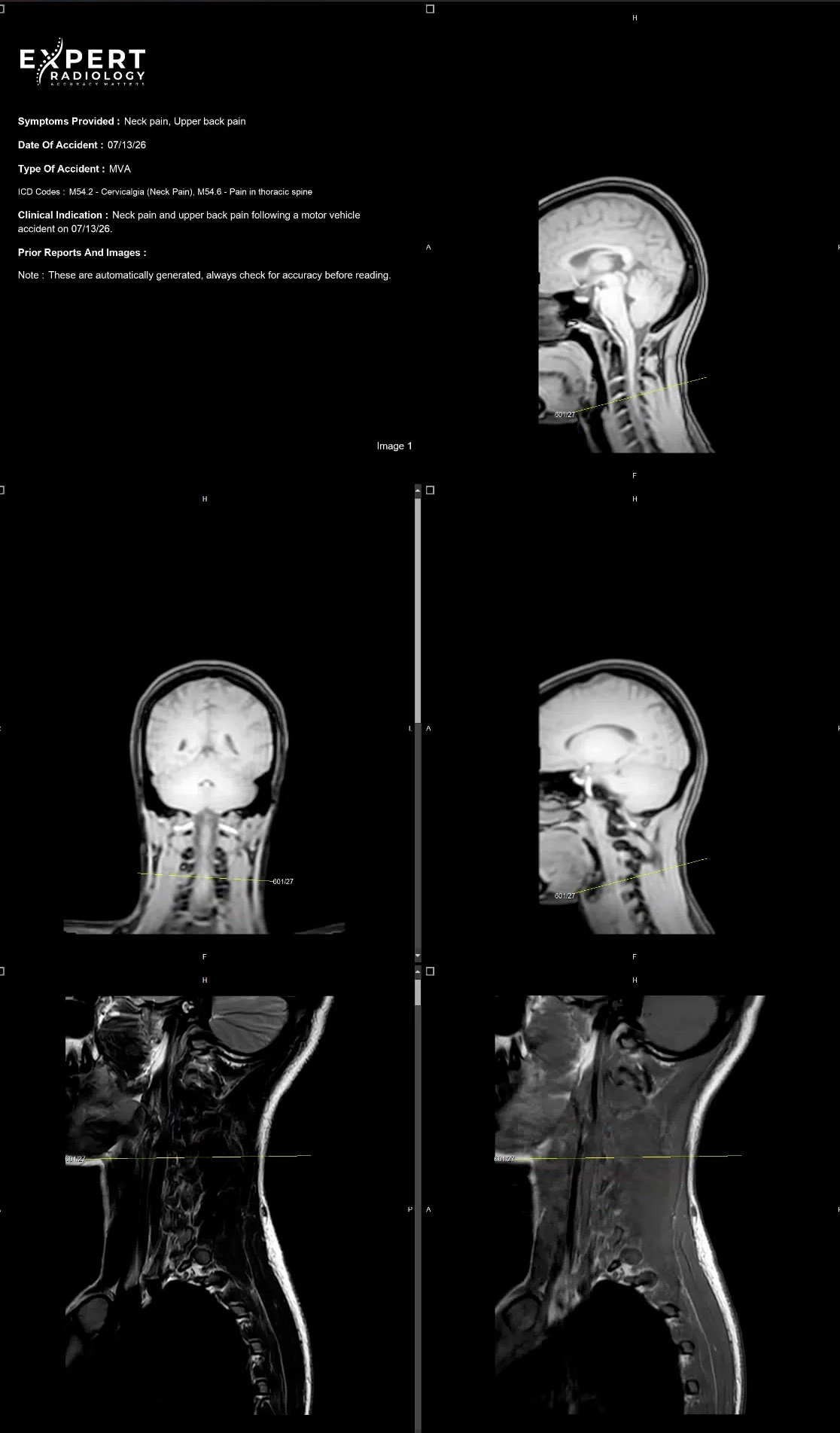
Clinical context and diagnostic series stay open together.
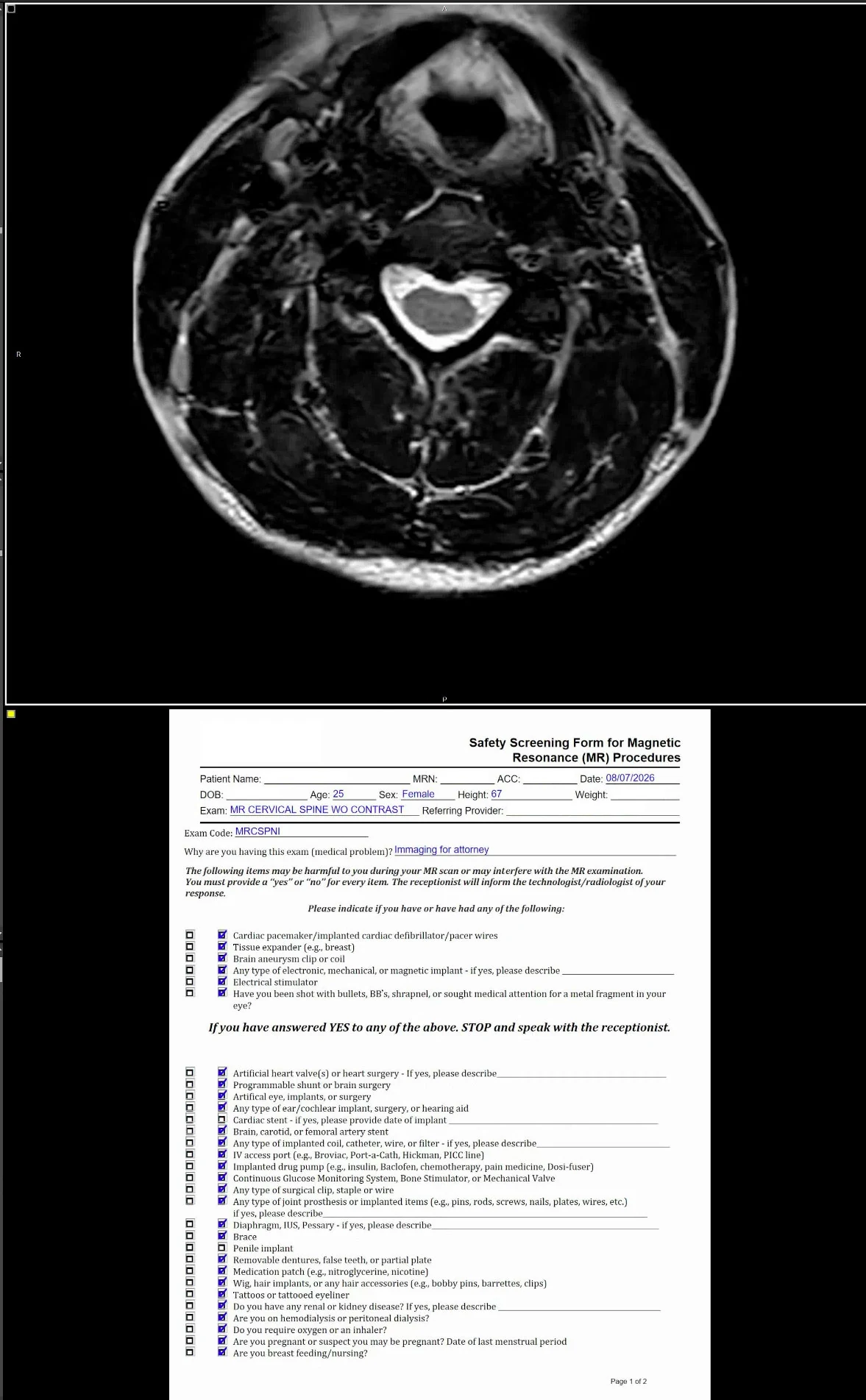
The primary image view and its supporting source record share one screen.
Prior studies and case context remain ready for reference.
Critical-result documentation and communication stay within reach.
A reading environment should protect attention. Every scroll you do not repeat and every window you do not hunt for removes friction from the work. The ExRad Station is designed to keep the next action in view so more of the session stays focused on the read itself.
“The income difference between a radiologist who has their workflow dialed in and one who hasn't is not trivial. It's six figures annually, with no extra time.”
Illustrative. Individual results vary by availability, volume, efficiency, case mix, licensure, and market conditions.
The ExRad Station came from radiologists who use the workflow every day, and from years of noticing which small frictions actually cost time. Those observations shaped practical choices throughout the setup:
Every revision started with somebody finishing a reading session and saying that could be better.
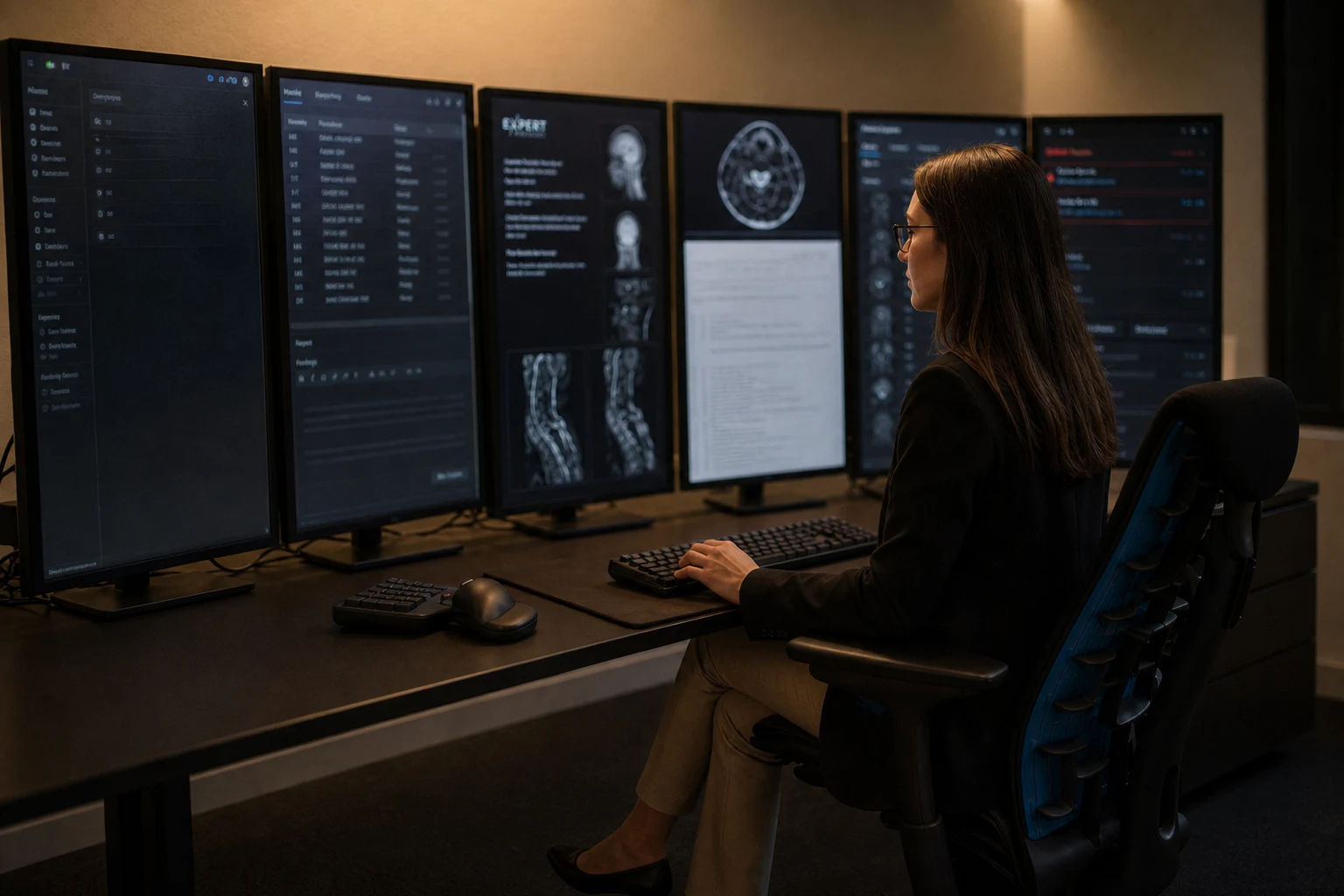
A branded workstation, a clean desk surface, and purpose-built controls—the details that make the whole station feel complete.
The computer carries the ExRad Station identity without requiring the displays to be opened or refinished.
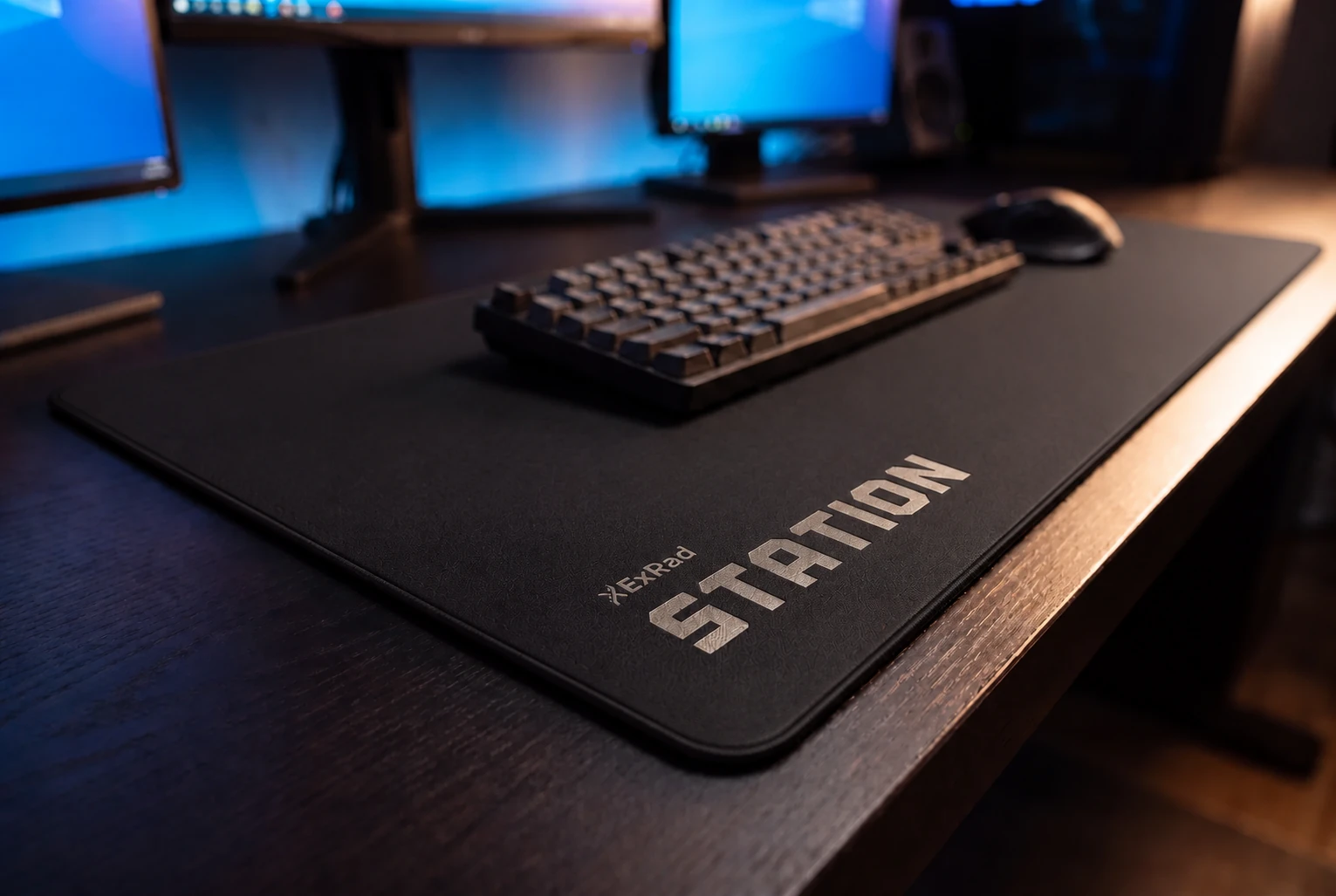
A clean work surface keeps the shipped controls together without adding visual clutter.

A compact programmable keypad keeps frequently used commands and custom macros within reach.
When an ExRad Station is part of a radiologist’s reading arrangement, we coordinate the hardware, configuration, delivery, and remote setup. The offer is the complete system and the support around it—not a reimbursement for an equipment shopping list.
Workstation hardware and selected peripherals.
PACS, dictation, portal, and workflow settings.
We stay with you until the displays read correctly and you are signed in.
What radiologists ask before the station ships.
Station availability and configuration are confirmed during onboarding based on the reading arrangement and the room available. If the Station is part of your setup, our team scopes it with you before anything ships. Apply to read with us →
Plenty of radiologists join with a setup they have invested in. We review what you already use, where it works well, and what the ExRad Station would replace or supplement before equipment is assigned.
When an ExRad Station is part of your reading arrangement, Expert Radiology pays for it and ships it to you. It is not deducted from your compensation or financed against future reads. See how compensation works →
A multi-display station needs a dedicated work surface, wall space, power, and a stable wired connection. We send the footprint and power requirements for the proposed configuration before anything ships, so you can measure the room first.
Setup support is remote rather than physical assembly. We coordinate delivery, guide mount placement, and stay with you until the displays are reading correctly and you are signed in.
A stable wired connection matters more than a headline download speed. Studies stream from PACS, so consistency and low packet loss are important. We check the connection with you before the station ships.
It is our equipment, so it comes back to us, and we arrange and pay for the return. There is no buyout, no penalty, and nothing withheld from a final payment. The station is how we set you up to work, not a contract you have to read your way out of.
We replace the component. Because we specified the station, we hold spares and we own the relationship with the hardware vendors. You tell us what stopped working and keep reading on the rest of the array while the replacement is in transit.
The ExRad Station brand is not tied to one display count. The proposed configuration is reviewed with you during onboarding so the workflow and the available room are clear before shipment. See the reading paths →
Voice recognition and transcriptionist-assisted dictation, your PACS client, and the ExRad Portal are installed and configured. Our team completes remote setup with you so the displays are reading correctly and you are signed in. Read the efficiency guide →
We build the room around the read. Tell us about your subspecialty and your schedule, and we will walk you through the station and the numbers.
Dr. Avery J. Knapp Jr. argues that wRVU-based radiology pay ignores case complexity, time, risk, and invisible labor, then sketches a fairer AI-weighted model.