

Why We Built the ExRad Station
The reading station is part of the workflow.
Why Expert Radiology designed the ExRad Station as a multi-display reading workflow, then preconfigures, ships, and supports it.
Table of Contents
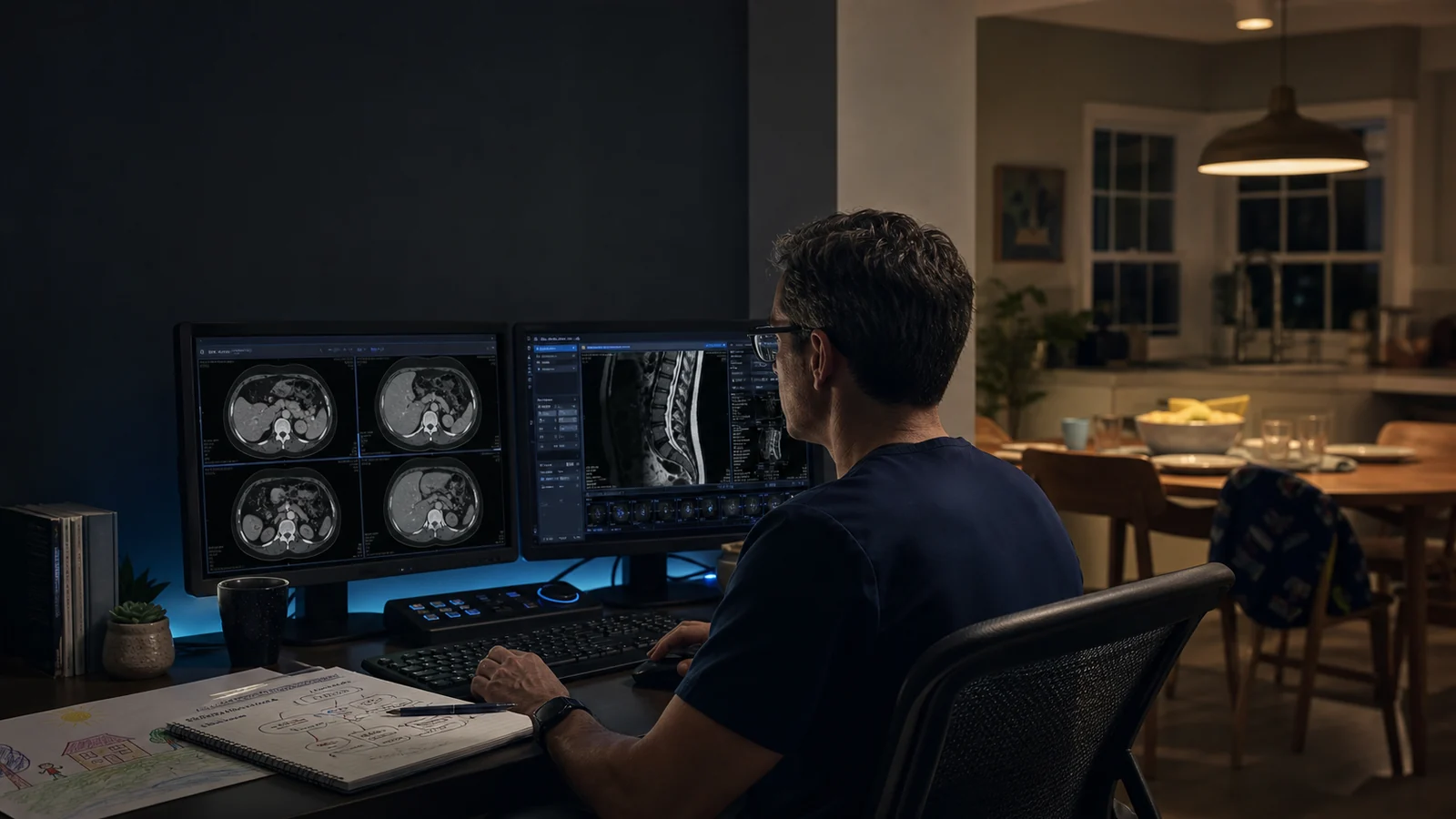
We built the ExRad Station because a radiologist's workstation is not separate from the work. It shapes where attention goes, how often the reader has to rearrange the desktop, and whether day one begins with a clear workflow or another round of troubleshooting.
The tl;dr
ExRad Station is the multi-display reading workstation Expert Radiology preconfigures, ships, and supports for radiologists.
The brand is not tied to one monitor count; the configuration is reviewed around the workflow and the room.
The goal is not more hardware. It is less friction between opening a study and signing the report.
Section 1 The workstation is not neutral.
Radiologists spend thousands of hours inside a reading environment. Screen position, window placement, controls, and cable clutter all shape that time. A workstation can preserve focus, or it can ask for a small correction every few minutes.
ExRad Station began with a simple idea: the reading workstation should be designed as part of the workflow, not treated as an equipment allowance after the workflow is built.
That changed the question from “Which monitors should we buy?” to “What does a radiologist need in view for the next read, the next hour, and the next focused session?”
Section 2 A multi-display workflow, not a monitor count.
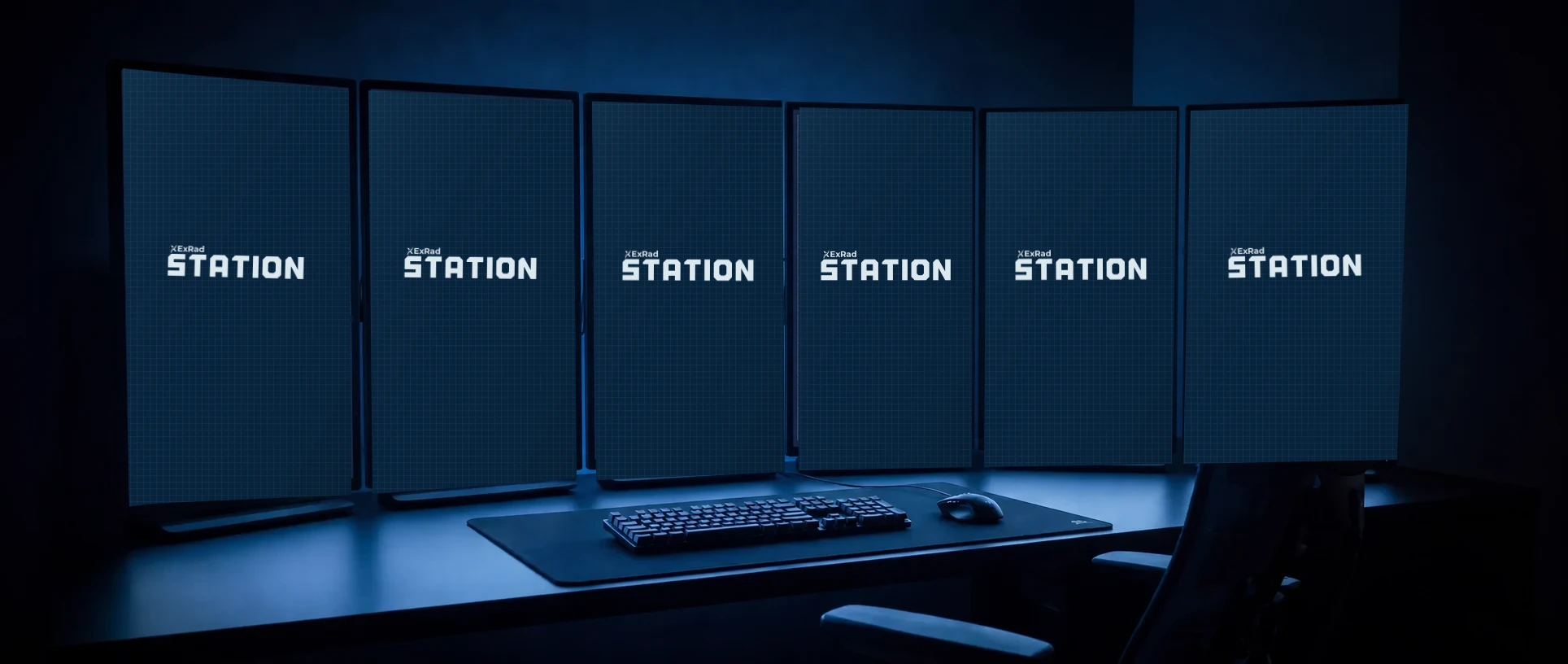
The ExRad Station name leaves room for the configuration to change. What stays consistent is the method: keep the diagnostic images and the surrounding work visible without rebuilding the desktop between cases.
- Example display 1: email, calendar, and web.
- Example display 2: report and worklist.
- Example display 3: images and records.
- Example display 4: images and records.
- Example display 5: patient explorer.
- Example display 6: urgent findings and communications.
That example is a map, not the product definition. The proposed layout is reviewed during onboarding so the available space and the reading workflow are clear before hardware ships.
Section 3 Every shipped component has a job.
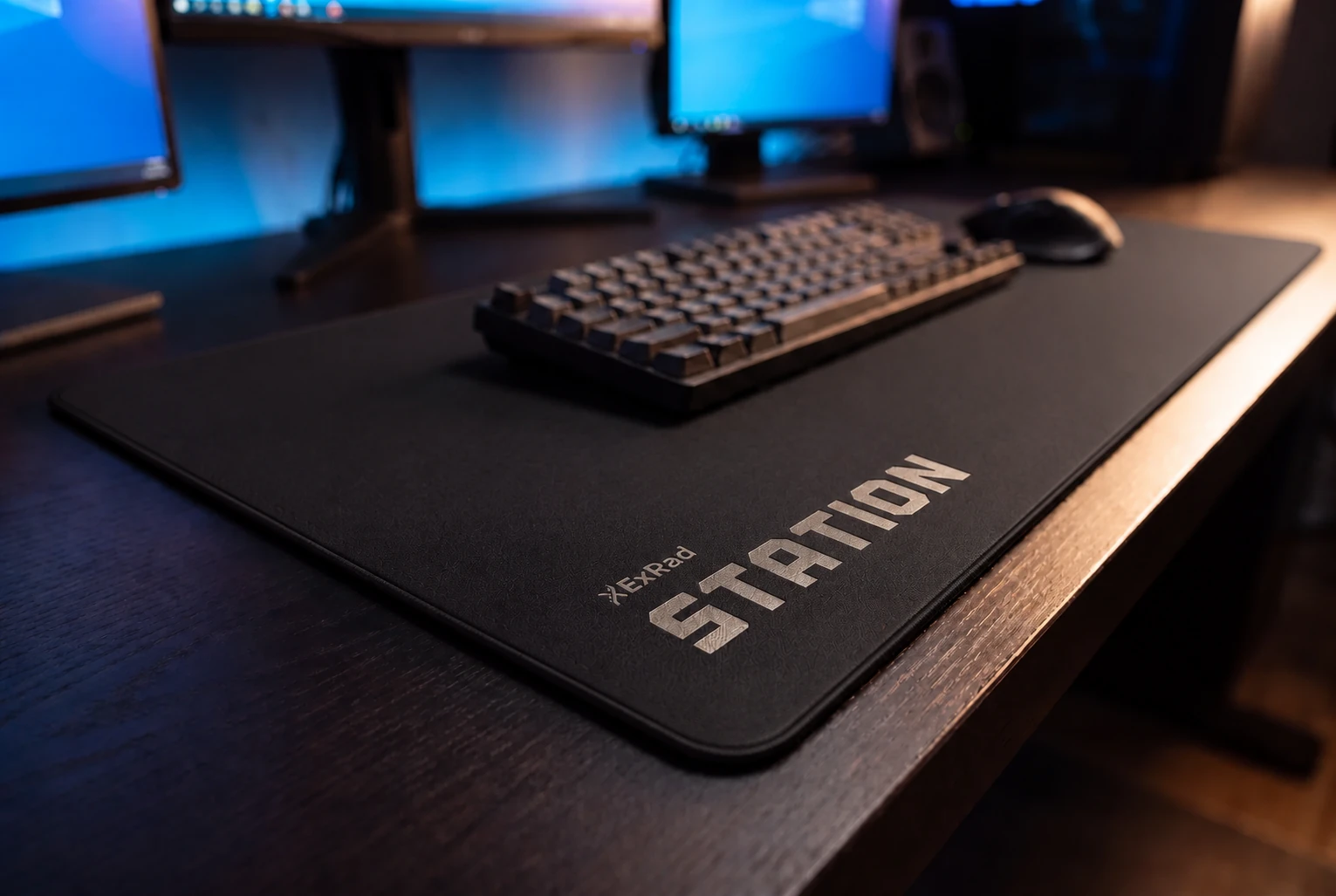
The workstation processor, GPU, and memory are selected for demanding imaging workflows rather than for a general office desktop. The selected keyboard and precision mouse support a stable work position with fewer small corrections around the read.
The dictation microphone is configured with the reporting workflow. A programmable shortcut keypad keeps frequently used commands and custom macros within reach without tying the Station to one peripheral brand.
Section 4 Built by radiologists, then refined by reading.
The ExRad Station came from radiologists using the workflow and from years of noticing which small frictions actually cost time.
That is why the method reaches beyond the equipment list. The layout, hanging protocols, reporting templates, PACS, dictation workflow, and ExRad Portal are configured together.
The most useful design decisions are the ones a reader stops noticing. The viewer is already in place. The report is beside it. The urgent-findings workflow and communications are visible. The frequently used controls are under the hand.
Section 5 Preconfigured does not mean self-assembling.
The software and workflow settings are prepared before shipment, but the hardware still requires physical placement and connection. Expert Radiology provides remote setup support rather than in-home assembly.
We coordinate delivery, guide mount placement, and stay with the radiologist until the displays are reading correctly and the reader is signed in.
That shared setup also gives the practice and the reader a common frame of reference when support is needed later.
Section 6 The real product is protected attention.
The Station is tangible, but the benefit is cumulative. One less window move does not change a career. Fewer repeated interruptions across cases and reading sessions change the shape of the work.
The station is on us. The hours it gives back are yours.
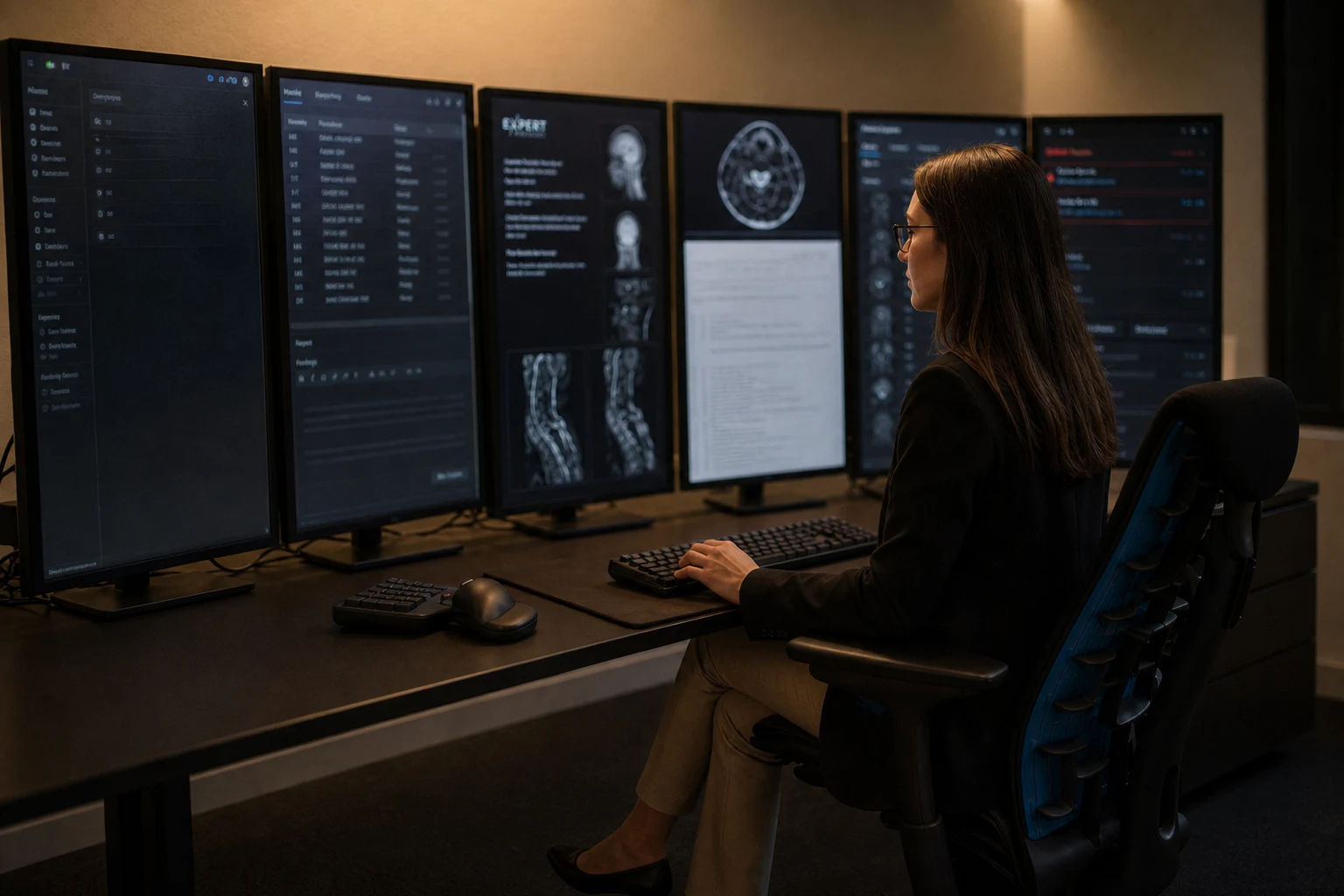
The complete workstation, an example display map, close-up details, and interactive 360 view are available on the ExRad Station product page.
Written by
Expert Radiology Team
Expert Radiology